
Adaptive memory work
FSRS scheduling, interleaving, relearning and weak-memory repair support the next review decision.
Real capabilities, clearly explained
Vocabulary, sentences, listening and pronunciation support come together through Smart Focus, FSRS review and a local-first course model.
Smart Focus
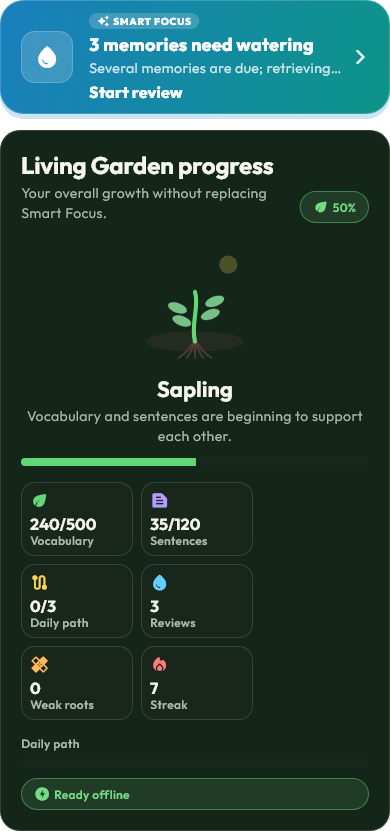
Smart Focus routes the session toward available learning work—new vocabulary, review and other supported tasks—while reflecting that focus through the app's compact, colour-aware treatment.
The complete loop
FSRS scheduling, interleaving, relearning and weak-memory repair support the next review decision.
Examples and sentence exercises connect vocabulary to useful context.
Vocabulary audio, transcripts, background playback and offline recovery support listening practice.
Content packs and supported offline voices help the app recover gracefully from a weak connection.
On-demand explanations are available with a daily free allowance; Pro removes that usage limit.
XP, streaks, achievements, daily challenges and the Living Garden make progress visible without replacing memory practice.
Course management
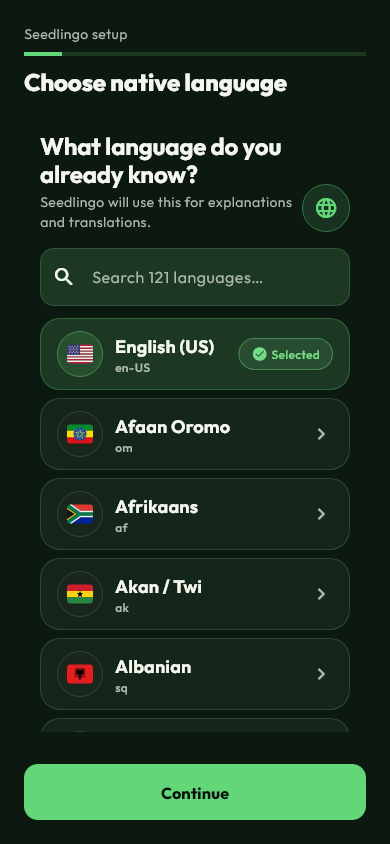
A course pairs a target language with a native language. Create and switch directions while each course keeps its own local context and progress.
Voice with honest fallbacks
Seedlingo supports downloadable offline TTS where supported, OS-native voices as a fallback, and clear unavailable states when no usable voice exists.
Use an installed offline voice pack when the language and platform support it.
Use a matching operating-system voice when an offline pack is not installed.
Only show voice as unavailable when neither source can speak the requested language.
Text practice remains usable when audio cannot be provided.
Accessibility-aware
Seedlingo includes reduced-motion, contrast, text and interaction considerations, plus RTL-aware architecture. Device and assistive-technology support can still vary, so the product does not claim certification it has not earned.
Read accessibility guidanceSee it in your own course
Create an account, choose a learning direction and let Smart Focus route the first useful session.